
3D Printing Factory Platform
The company tracked its 3D printing production on FRos, a Manufacturing Execution System (MES) built by a few developers and product designers. With little communication between developers and designers, many design decisions were made without proper input, which caused visual discrepancies and low engagement. As the newly hired designer, I set out to build a new MES that tracks and documents production more effectively, starting with research in the factories themselves.
- Role
- Researcher, Product Designer
- Project type
- Manufacturing production platform for web
- Team
- 1 Designer / 7 Devs / 1 PM
- Contribution
- Audit, research, documentation, design, and testing
- Tools
- Miro, Google Slides, Confluence and Figma
- Duration
- 1 year
Challenges
The existing platform offered no flexible, tailored workflow for each manufacturing technology, which left the company’s products visually inconsistent.
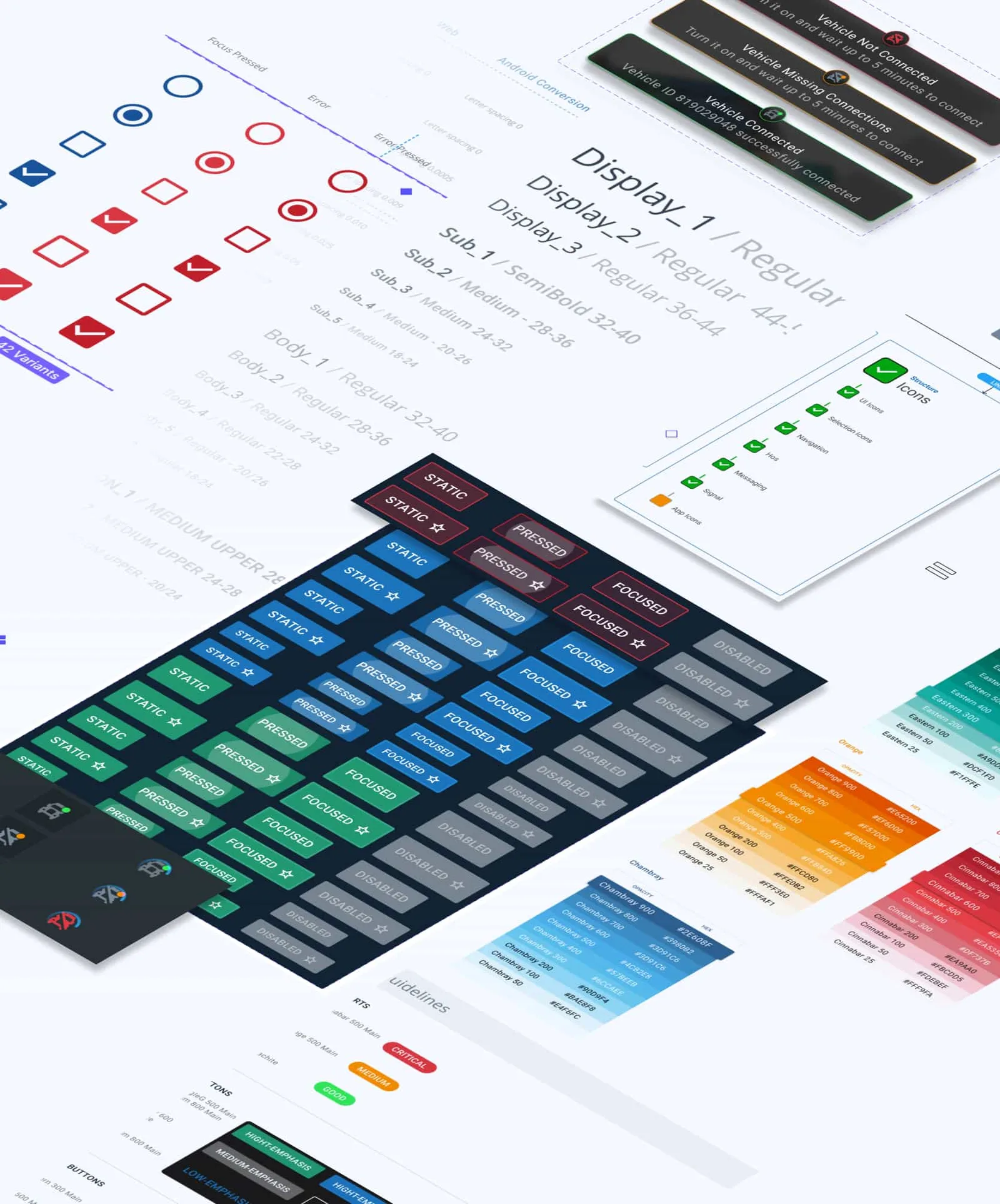
The design system lacked the components the platform needed, so I had to create them from scratch.
Technicians had not been trained on the existing factory platform, so building their trust was essential. I was new to manufacturing, so I also had to learn the industry’s terminology and vocabulary.
Research
The focus throughout was to understand the users’ needs in depth, through interviews, report analysis, and testing. I traveled to Chicago several times to interview stakeholders, visit the factories, and learn how production works.
Stakeholders and personas
I started with extensive research on the industry and the users. I met every kind of stakeholder (technicians, managers, directors, and engineers) and built personas to capture their pain points, frustrations, desires, and goals.
Each role had its own pain points. My primary audience was the process experts, because they would use the design most, so I built an organizational chart to understand the hierarchy.
Questions that guided the work
Who are our target users?
What are the responsibilities of the people operations team?
What are the internal manufacturing processes?
What are the users’ needs?
Where are the opportunities for improvement?
What are the priorities for the solution?
Manufacturing technologies
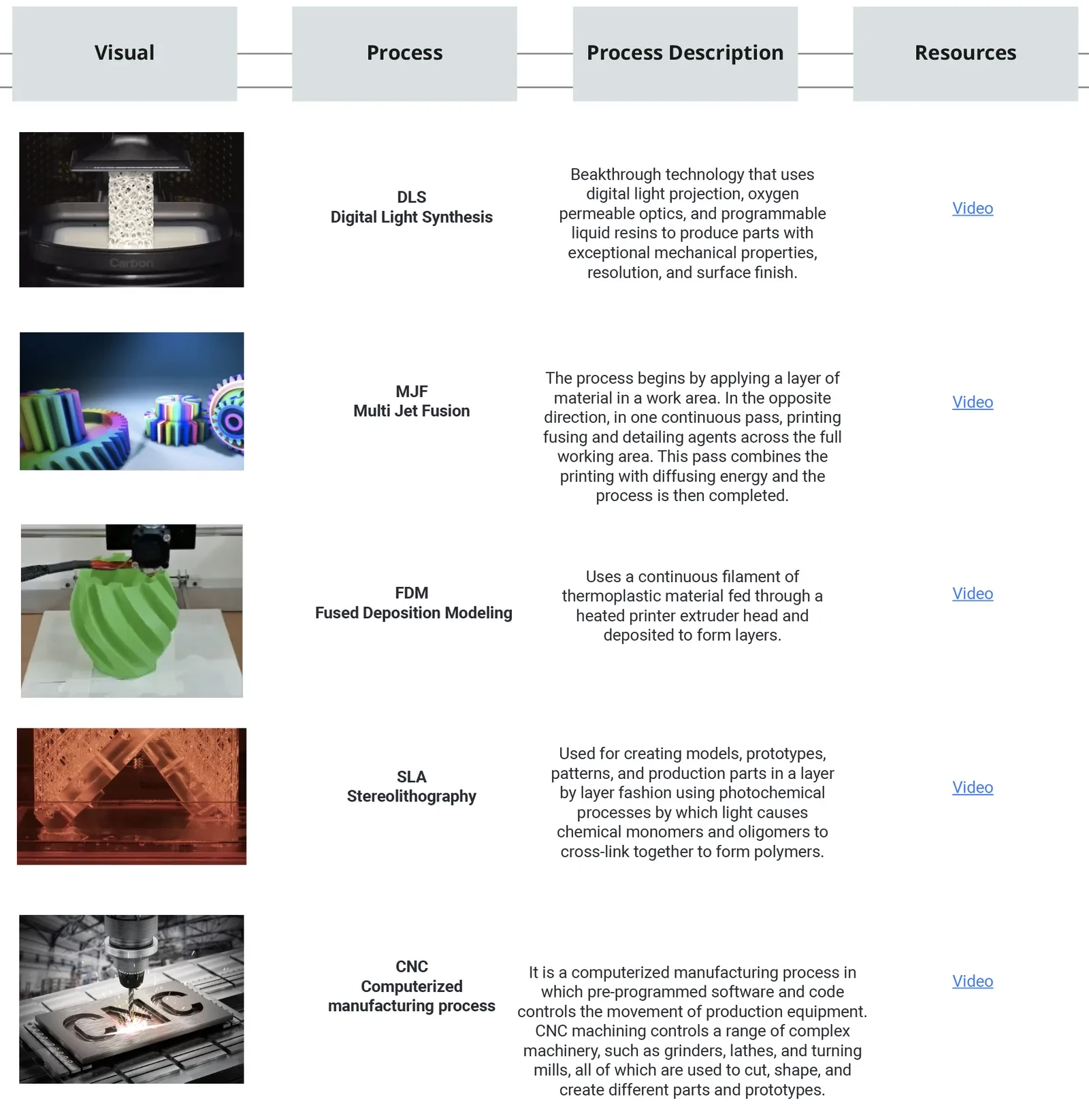
I ran several user interviews to understand the industry and the company’s services, and researched the 3D printing technologies used in the factories and the specifics of each. The table shows the five technologies, how each one works, and a video of it running.
Workflow breakdown by technology
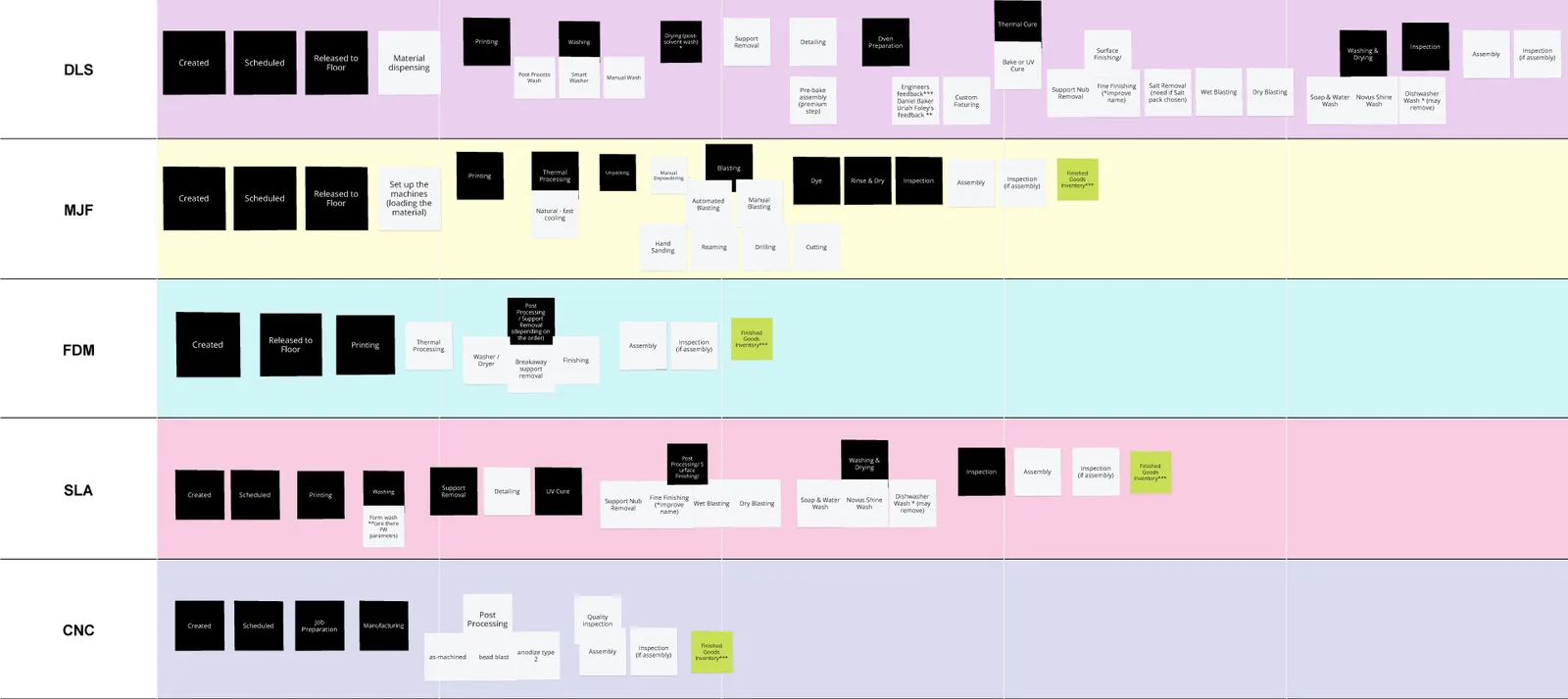
The platform could not support a custom workflow for each 3D printing technology, and each has its own complexity. I ran workshops with the lead process experts for each technology and mapped their workflow, one sticky note per production step. That showed where the platform needed flexibility, and let me design a solution that scales to current and future technologies.

Contextual inquiry
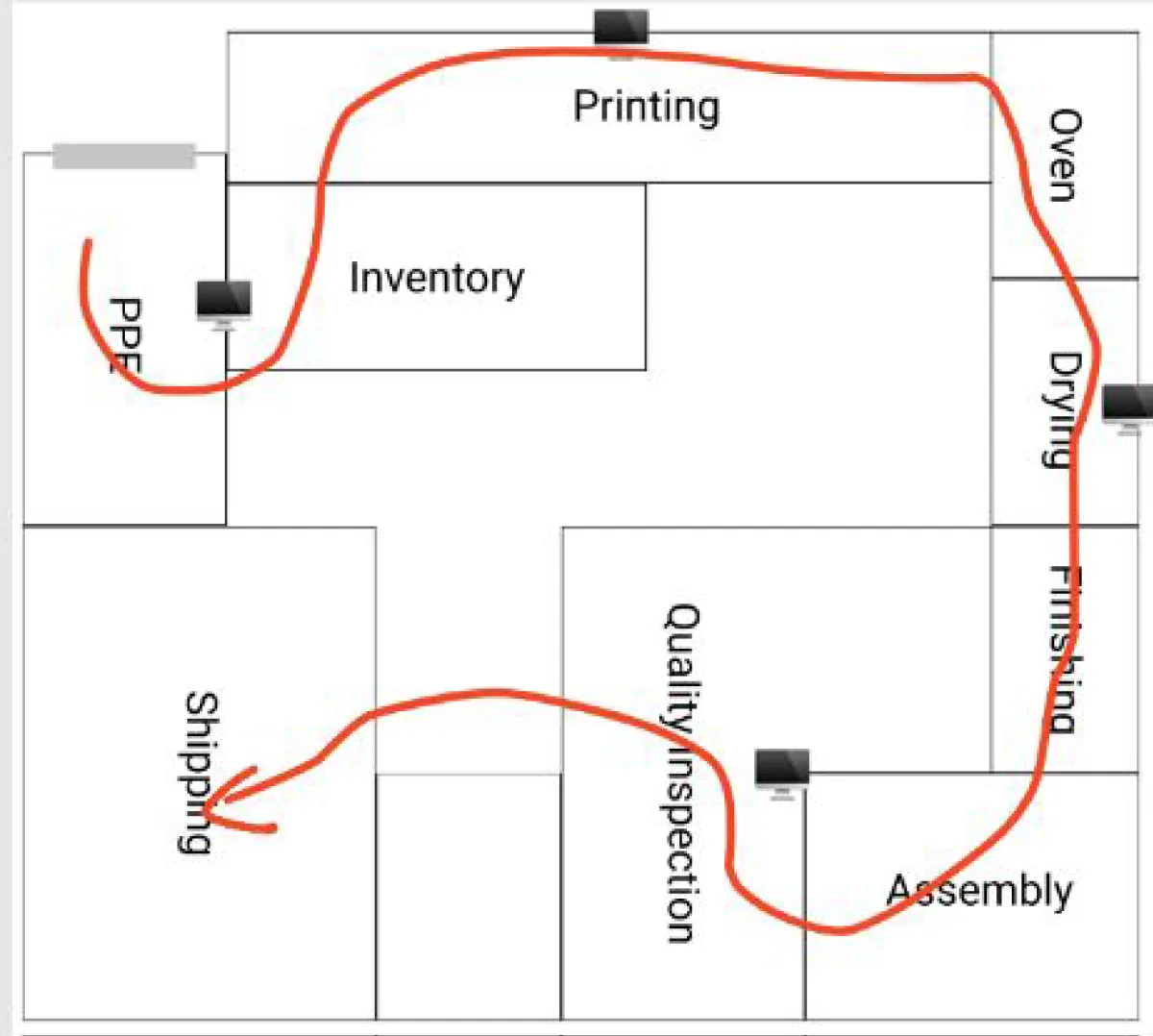
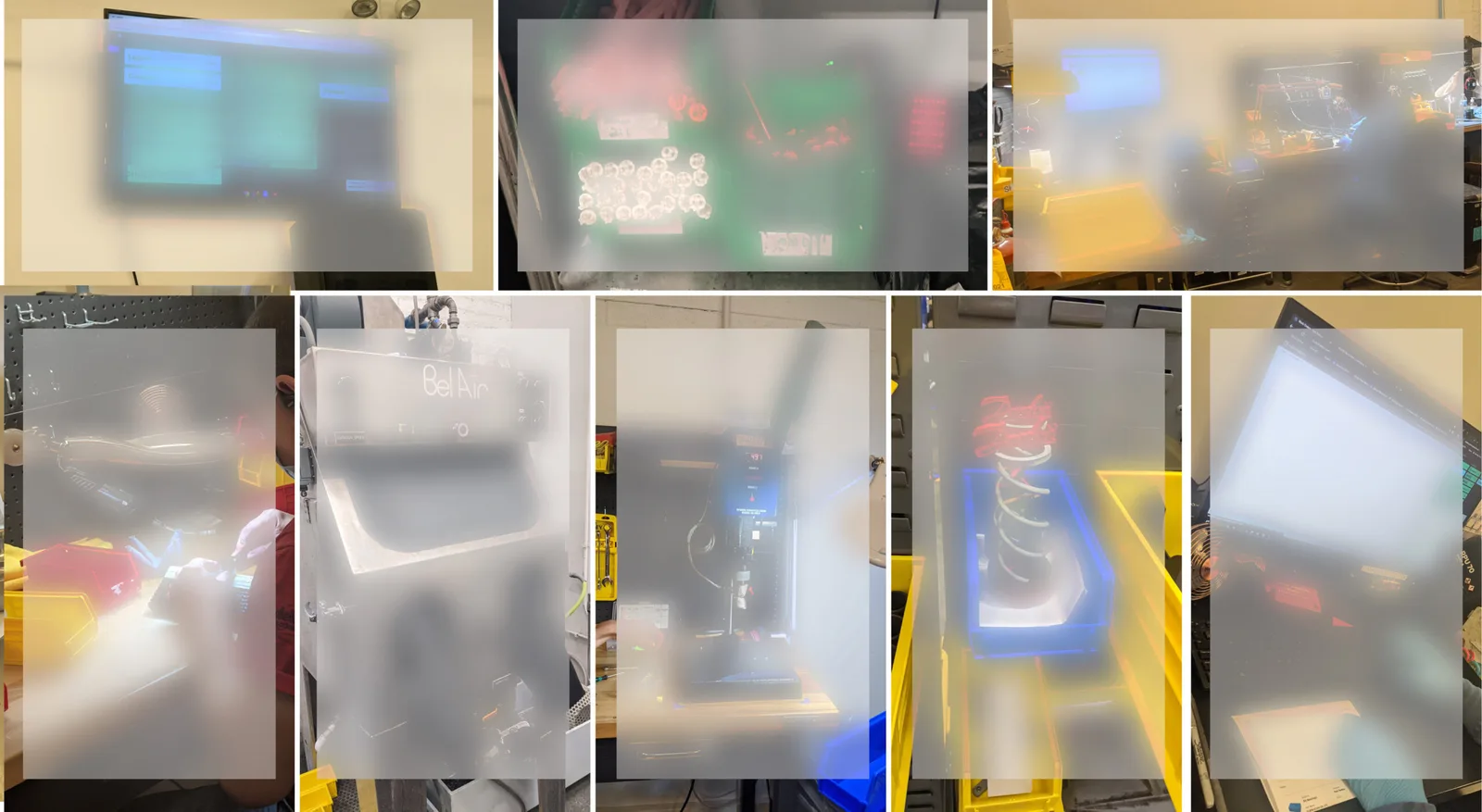
I visited the Chicago factory several times and observed users at work, to see where they struggled and how they got around it. I photographed the production stations and mapped users’ regular routes. Some images are blurred because of a disclosure agreement.
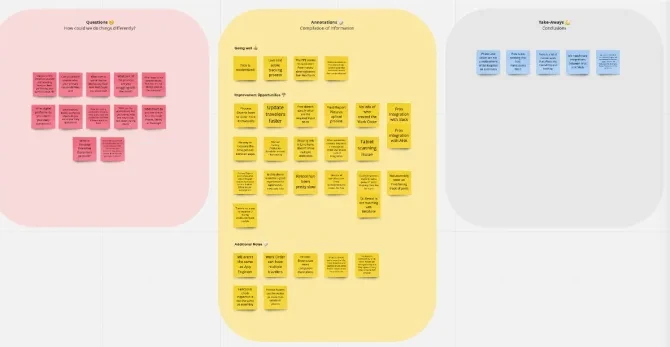
I compiled an analysis report with the questions that came up, annotations, and the key takeaways.
Exploration
Operations flowchart
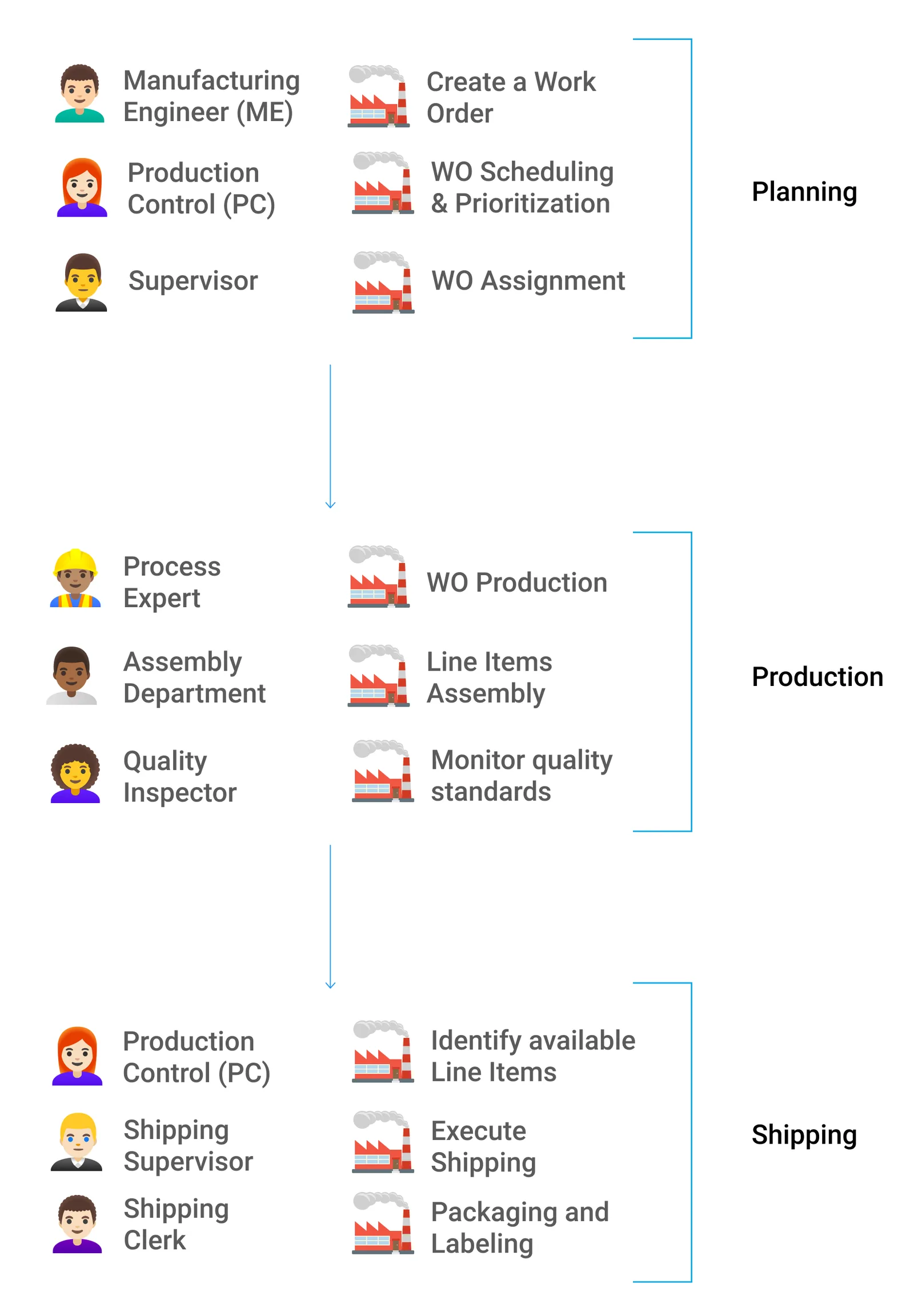
With a detailed understanding of the industry, the business model, and the users’ pain points, I moved into exploration. I created an operations flowchart to map the whole workflow in the factory and the roles involved.
Workflow
I met several times with the product manager and the lead engineer to establish the workflow for the solution. With what we learned, my team and I drew rough sketches.
Design and Prototype
I studied similar platforms to find the UX and UI patterns they share.
Common features
- A prominent, customizable workflow
- A preview of the part to be 3D printed
- Customizable details by step
Opportunities
- The UX of internal factory platforms is outdated
- Competitors’ platforms lack flexibility
- The platforms are too basic
The redesign
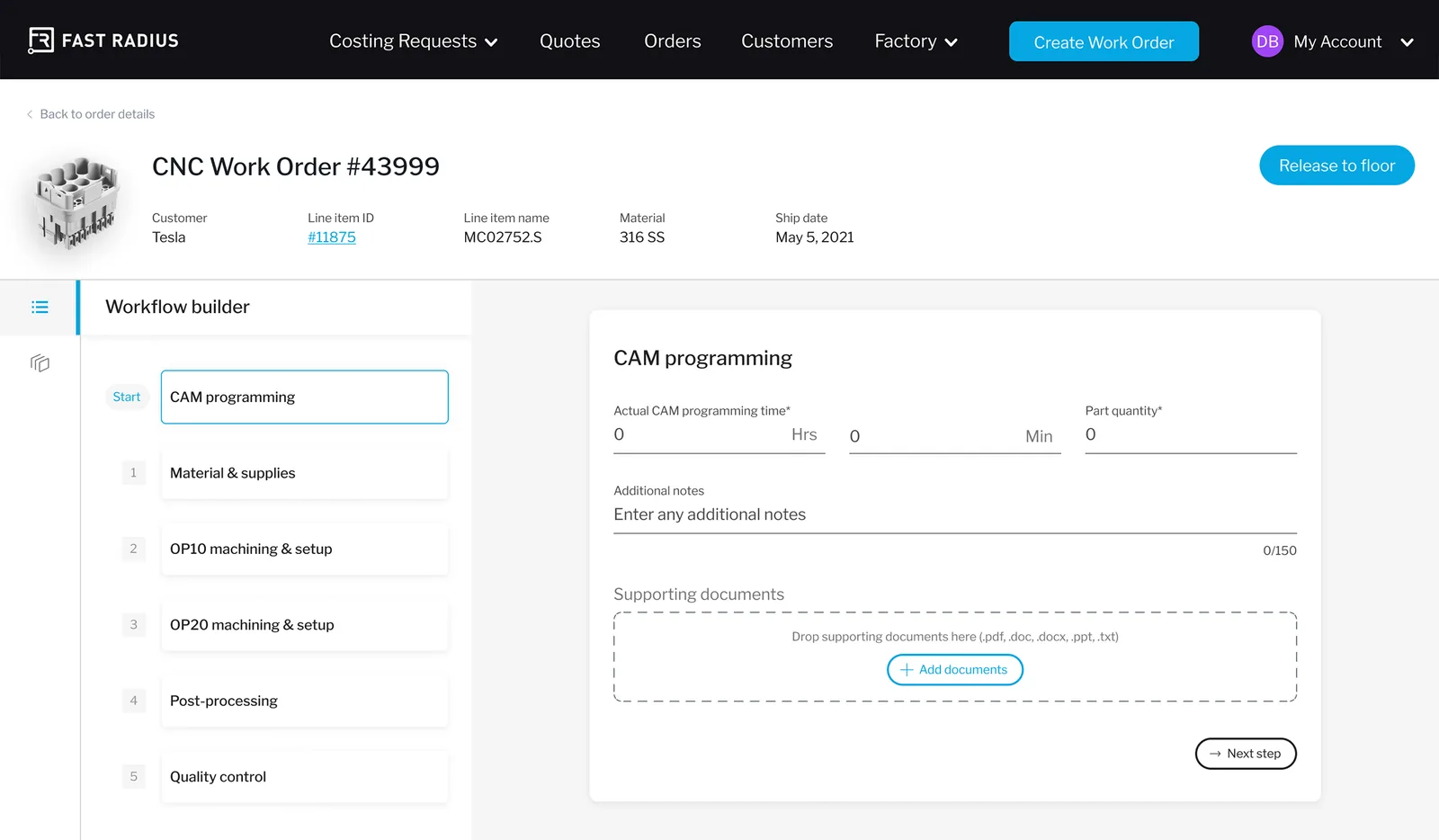
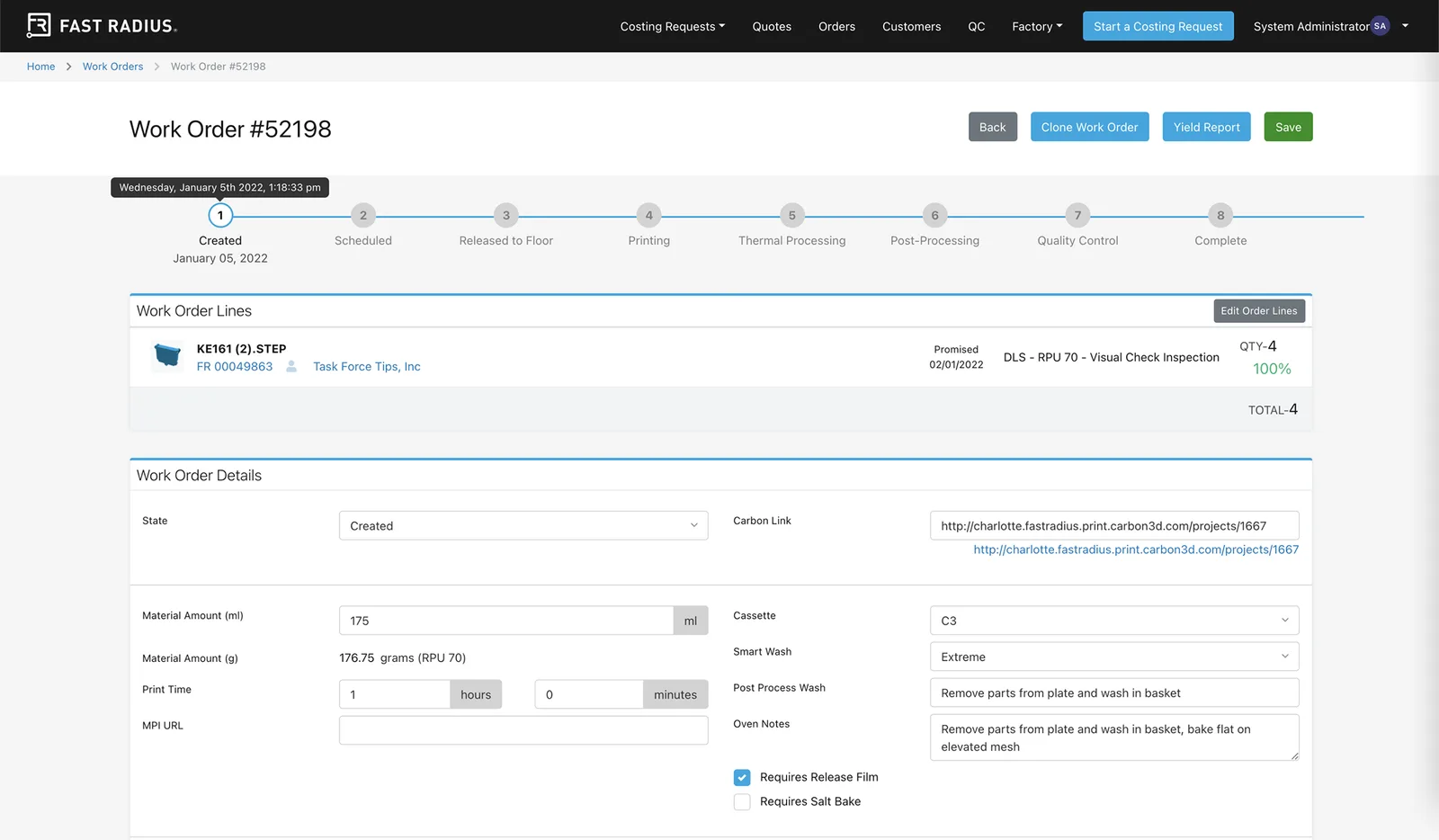
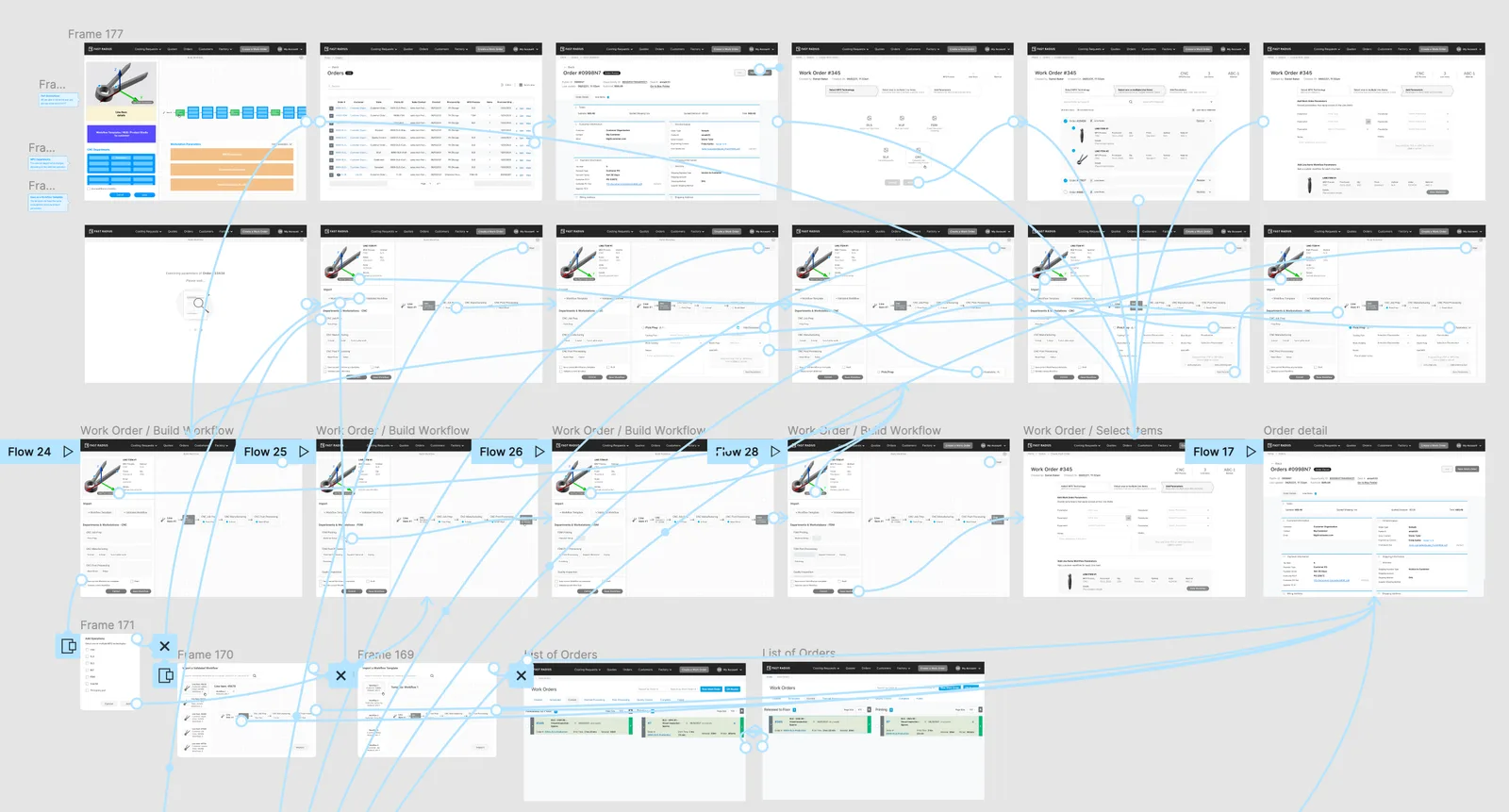
After several rounds with the product manager, the lead engineer, and leadership, I turned the sketches into wireframes and a complete flow with a working Figma prototype. Drag the slider to compare the old platform with the new one.
User Interviews
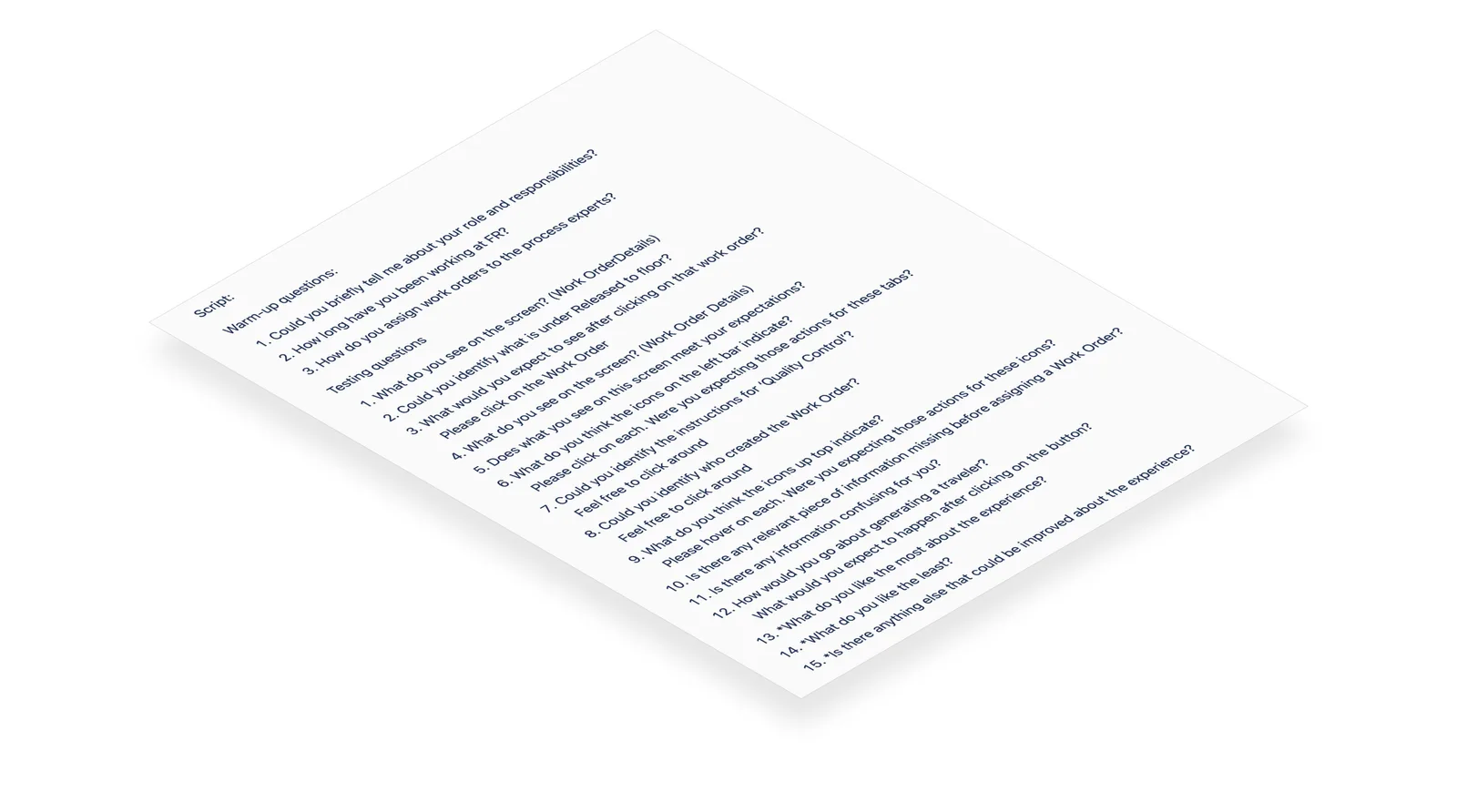
With a solid grasp of the industry and the users’ pain points, I wrote an interview script with the product manager. The questions covered:
- How intuitive the tool is
- Users’ understanding and acceptance of its current limitations
- The perceived relevance of each section of the platform
- Sections that are not performing as expected or desired
- High-value features not yet in the platform
Usability Testing
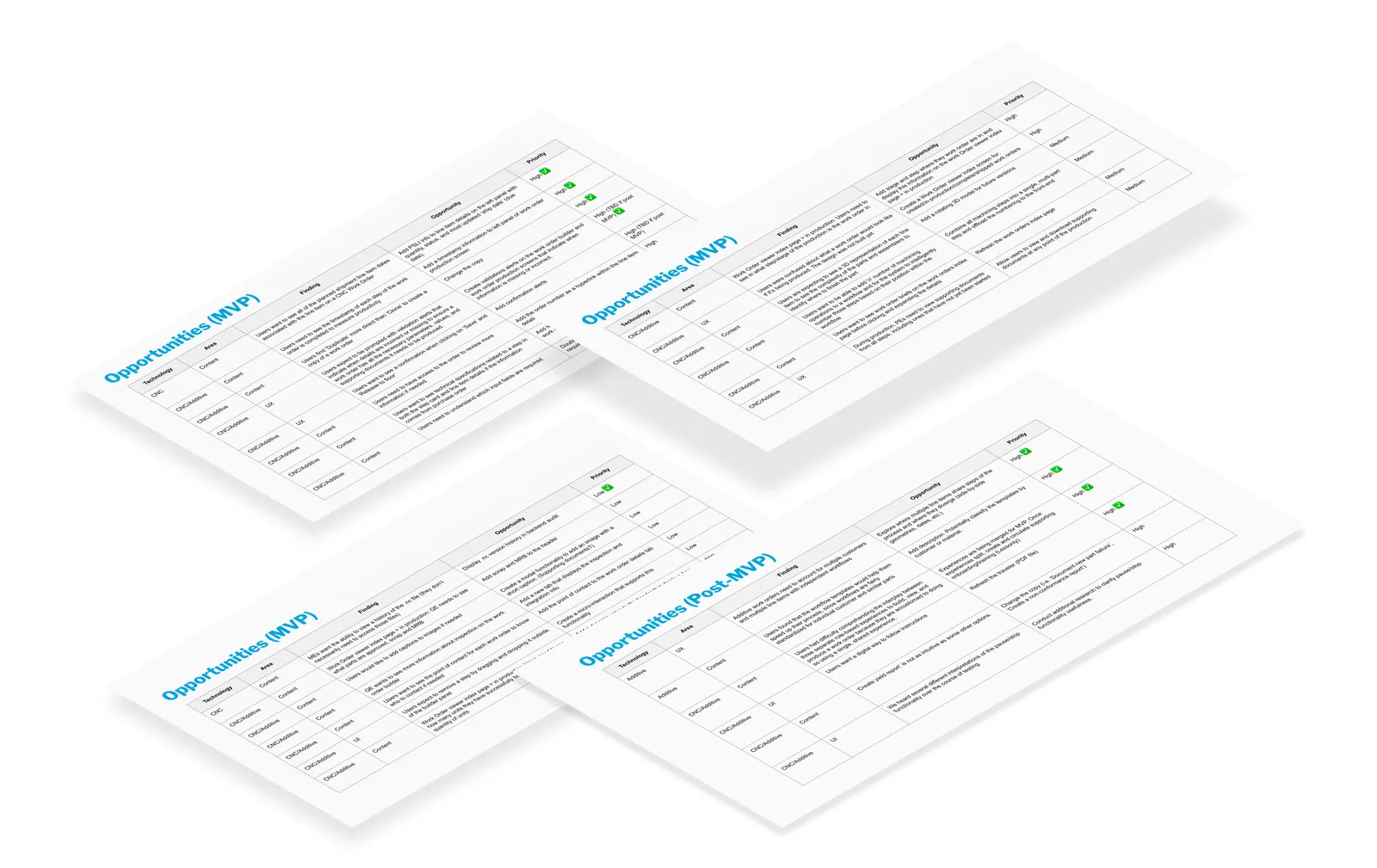
Once the prototype worked, we ran 10 user testing sessions over a month with a diverse group of users, guided by a script of questions. Users were enthusiastic about the product. I compiled a report on the feedback and worked with the design and product managers to find actionable improvements.
Refinement and Implementation
We iterated on the design until it was ready to hand off to engineering. To keep it consistent, I used Figma plugins to check that every text and color style was applied, that components followed the 8pt grid, and that each one linked to a master component in the local design system file. The hand-off happened in several stages.
A product is never truly final. As the company grows and users’ needs change, the system needs more flexibility. What I learned is that success is not a product that meets today’s needs, but one that is scalable, adaptable, and open to future iterations.
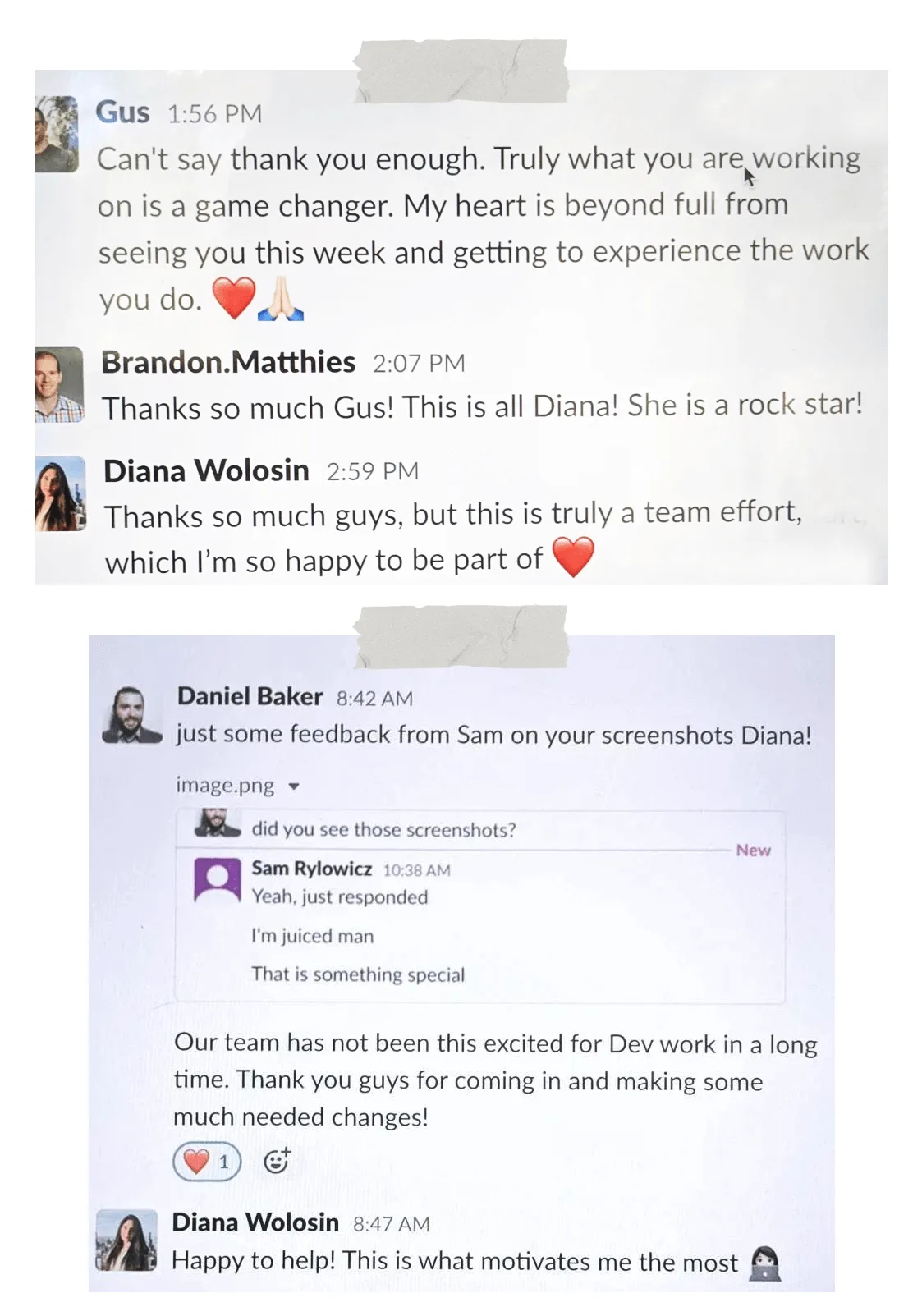
Impact and Benefits
- Improved quality control
- Technicians’ workflow up to 50% faster
- Better flow of product, material, and equipment
- Less chance of human error, thanks to templates
- Deeper production performance tracking
- Better production documentation and traceability